Virtual receptionist for businesses
See how a virtual receptionist can book appointments, record orders, answer questions and pass messages to your team across different industries.
Customer service2 min read
Combot team · Updated
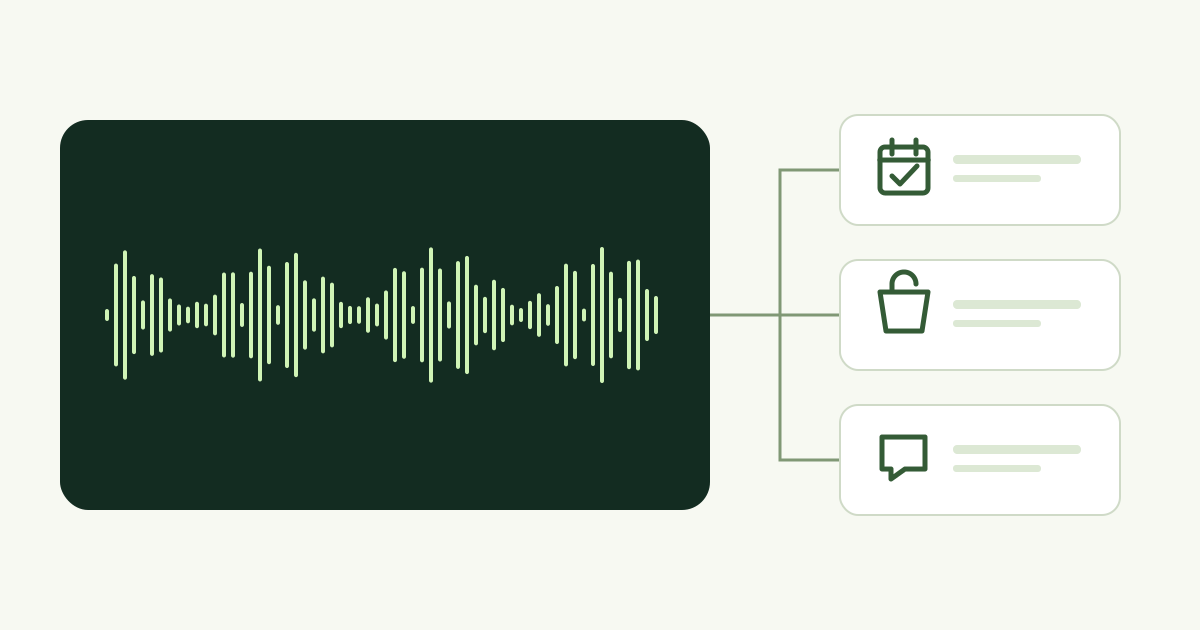
A virtual receptionist can serve a dental practice, repair shop, law firm, delivery business and many other companies. In Combot, its work depends on the goal, catalog and training you configure.
With AI Phone, customers speak by voice. On WhatsApp, choose a menu bot or an AI agent. Configure each channel and number for its intended work.
What a virtual receptionist can do
- Book appointments: checks the configured calendar and offers available times for selected services.
- Sell: presents registered products and records the order for your team.
- Take a message and send it on WhatsApp: collects the name, contact details and request, then alerts your team with a link to start a conversation.
- Provide information: answers using your business content and points customers to the configured website, WhatsApp or other destination.
Examples across industries
- Dentists, clinics and salons: service bookings and information about location and opening hours.
- Repair shops and technical services: assessment bookings and problem descriptions; prices that require evaluation are left for the team to confirm.
- Law and accounting firms: initial contact, the subject of the request and a meeting with the professional.
- Delivery businesses, restaurants and retail: catalog information, order recording and team notifications.
How to configure it
- Choose who answers each number: Combot or your business system connected through the API.
- In Combot, select the goal and configure the products, services or calendar that number can use.
- Describe your business by text or microphone, review the training and choose an available language and voice.
- Select the sending WhatsApp channel and notifications for your team and customers. Test from another phone before promoting the number.
The services, products and calendars manual explains the steps. AI uses your registered information; times, prices and conditions must match what your business offers.
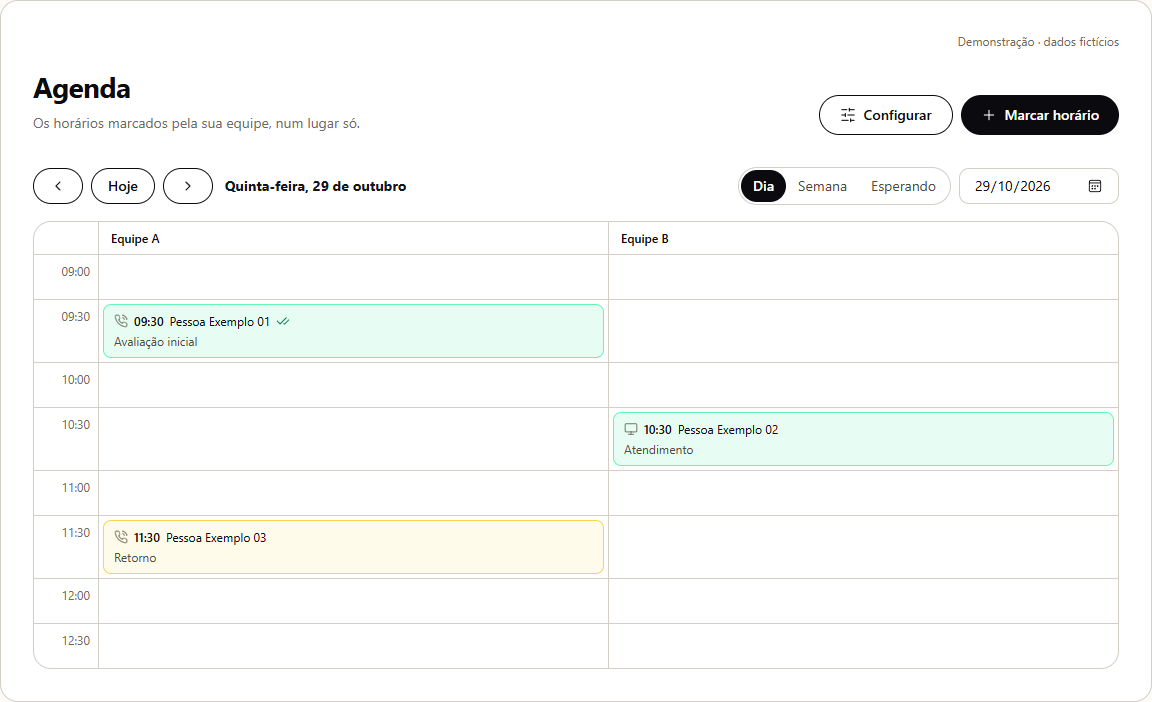
Confirmation and the next step
During a phone call, AI asks for and confirms the customer’s WhatsApp number before sending messages. Delivery depends on the connected channel and enabled options. If the number is linked to an ERP, the selected system controls the service and its rules.
Check the plans and conditions and configure the receptionist for your business.