SGP integration with WhatsApp and phone: what to automate in the provider's customer service
CPF lookup, 2nd copy with Pix, release on trust, connection status and dunning schedule: what the SGP integration resolves on WhatsApp and on the phone.
Providers5 min read
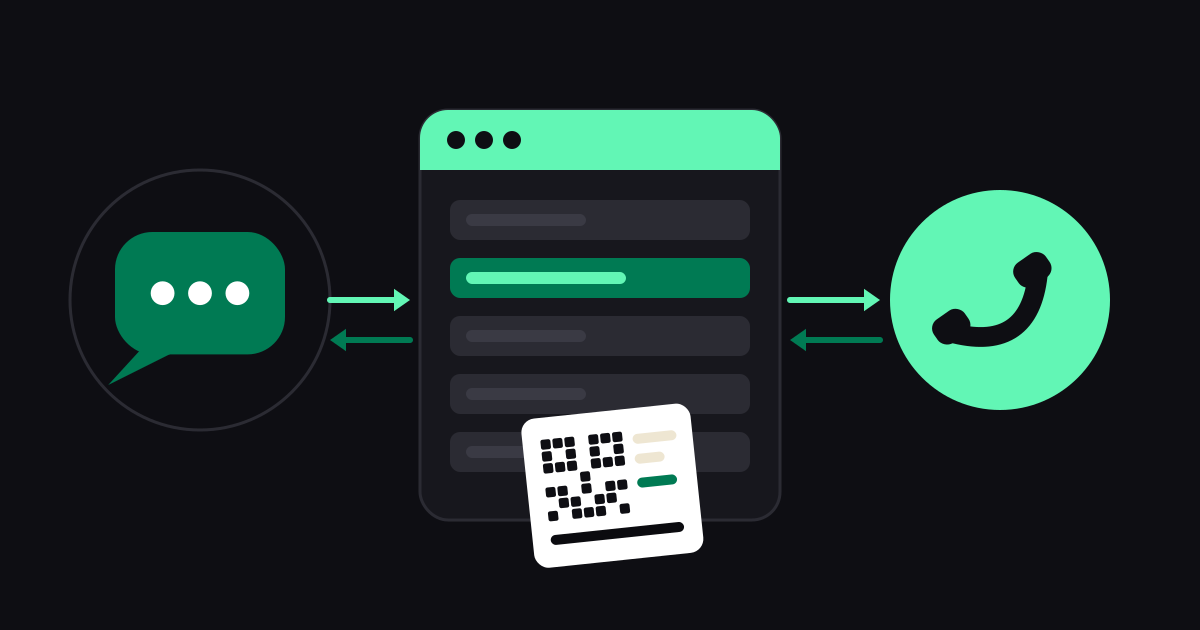
The SGP concentrates the provider customer's life: registration, contracts, invoices, blocks. Customer service, on the other hand, happens on WhatsApp and on the phone. When the two do not talk to each other, someone on the team becomes the bridge: receives the message, opens the SGP, looks up the CPF, copies the Pix, pastes it into WhatsApp. Multiply that by every message at the start of the month.
The integration takes that manual bridge out of the way. In this article, we explain what can be automated, how it works on WhatsApp and on the phone, and the precautions for doing it safely.
What the Combot integration with the SGP does
There are five main functions, which you enable as needed:
- Customer lookup by CPF or CNPJ. Customer service finds the registration and knows who it is talking to: name, plan, contracts and status.
- 2nd copy with Pix. The open invoice is sent with the Pix code and the barcode, ready to pay.
- Release on trust. A customer blocked for late payment can request temporary release, respecting what the SGP allows for that contract.
- Connection status. Customer service reports whether the contract is active or blocked, separating the billing question from the technical problem.
- Dunning schedule. Automatic due-date and late-payment reminders via WhatsApp, on the days you define.
How it works on WhatsApp
On WhatsApp, the customer sends a message and the bot conducts the service:
- The customer chooses "2nd copy" (or writes something like "I want my bill", in the case of the AI bot).
- The bot asks for the account holder's CPF or CNPJ and queries the SGP.
- Finding the open invoice, it sends the Pix and the barcode in the conversation itself.
- If the connection is blocked, it offers release on trust, when the contract is entitled to it.
The customer resolves it in a few messages, at any time, and the team only steps in when the case needs people: a negotiation, a billing dispute, a technical problem.
You can set this up with the menu bot, which is simpler, or with the AI bot, which understands free-form sentences. The difference is explained in AI bot or menu bot.
How it works on the phone
On the AI Phone, the logic is the same, only by voice:
- The AI asks for the account holder's CPF and queries the registration in the SGP.
- For the 2nd copy, it does not dictate codes over the phone. It sends the invoice with Pix via WhatsApp, and for security only to the WhatsApp of the number that is calling.
- For release on trust, it checks the registration first and only releases after the person confirms out loud that they want it. If the contract is not entitled, it says so.
This is especially useful when the customer has no internet and can't use WhatsApp on their home Wi-Fi: they call, get it resolved, and the invoice arrives once they have a signal. We cover more in AI phone agent for internet providers.
The billing cadence
The cadence is a sequence of reminders tied to invoice dates. A common design, just as a starting point:
- A few days before the due date: a friendly reminder with the amount and the Pix code.
- On the due date: a notice that it's due today.
- After the due date: an overdue notice, with the updated invoice.
- Before blocking: a clear notice that the connection will be blocked and how to avoid it.
Adjust the days and the tone to your provider's policy. Too many reminders annoy; too few don't help. Start with a few notices and track the results.
What stays with the team
The integration shouldn't handle everything on its own. Some cases belong to the team:
- Debt negotiation, installment plans and discounts.
- Billing disputes ("I don't recognize this invoice").
- Technical problems that require diagnosis or a visit.
- Cancellation, change of account holder, cases involving documentation.
For these, the bot transfers to a human agent on WhatsApp, and on the phone the AI logs the case and sends it to the company's WhatsApp, with the link to call the customer.
Security and LGPD
Handling CPF and invoices requires care:
- Ask only for the account holder's document, and use it only for the lookup.
- Send the invoice to the right contact. On the phone, the second copy goes only to the WhatsApp of the number that is calling.
- Protect access to the SGP. The integration credentials are stored in the Combot panel; change them if anyone with access leaves the company.
- Log what was done. Lookups, sends and unblocks are recorded, which helps in any dispute.
We wrote a more general guide on the topic: LGPD in phone and WhatsApp support.
How to get started
- Confirm that your SGP has integration access enabled and gather the credentials.
- In the Combot panel, connect the SGP and run a test lookup with a team member's CPF.
- Turn on the features one at a time: start with the second copy, which is the highest volume, then trusted unblocking.
- Write the messages in your provider's tone and test from a team member's mobile phone.
- Monitor the first week and adjust whatever the customer didn't understand.
See everything Combot offers providers on the providers page.
Summary
Integrating the SGP with WhatsApp and the phone turns the provider's financial support into self-service: the customer checks, receives the second copy, pays and is unblocked, without waiting in line. The team gains time for what really requires people, and the provider gains support that works 24 hours a day.